
- Marketplace
- For Businesses
Overview Business software for small teams, schools and nonprofits. Education The Education Kit for schools and colleges. Why Clouve How Clouve compares with your other options. Case study How an education institution moved its LMS and SIS. Trust & Security Hosting, backups, recovery targets and your data. Business docs Guides for running your apps on Clouve.
- For Developers
- Partners
- Insights
- Pricing
- Log in
- Start free trial
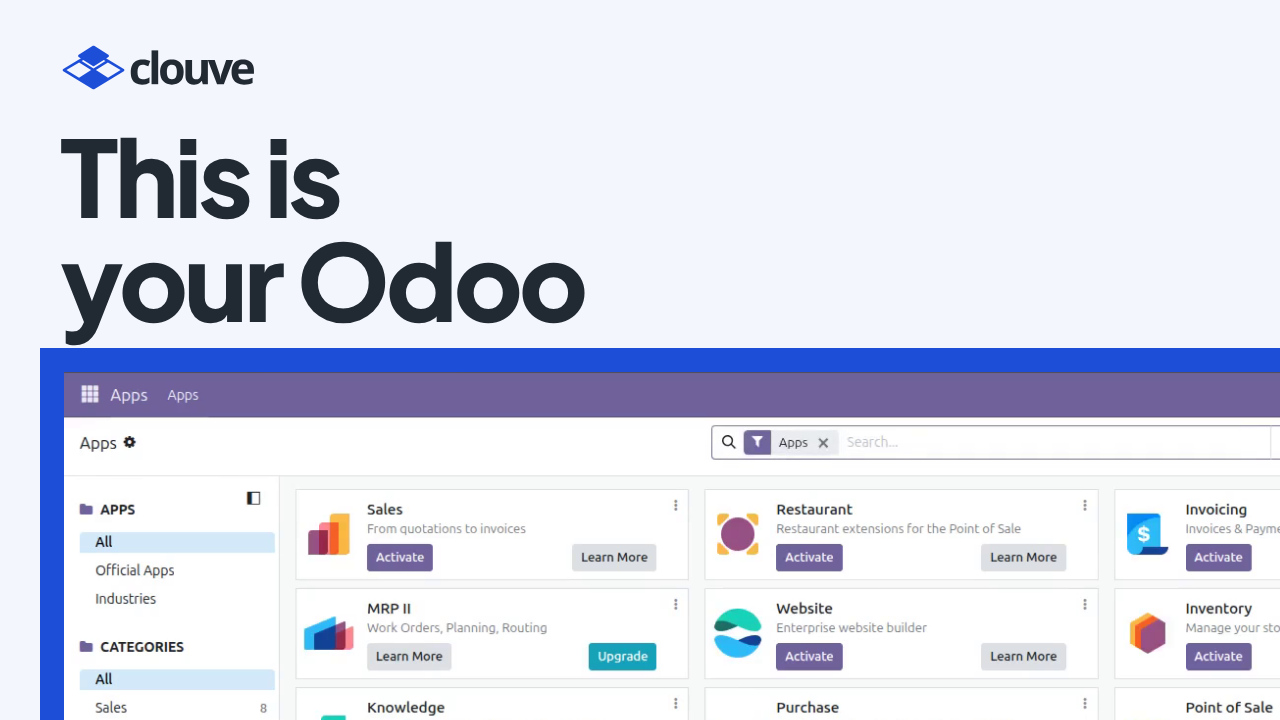
Odoo is an open-source business suite: CRM, sales, accounting, inventory, HR and more. Someone still has to run it: set it up, keep the data backed up and add modules as the business grows. In a small company, that’s often the owner.
Our Odoo demo shows another way. A business owner goes from the Clouve marketplace to a running Odoo in a few minutes, then asks the built-in AI Assistant to install the CRM app.
Key takeaways
- Odoo is running a few minutes after you subscribe, with its web address and admin login in one place.
- You ask the AI Assistant in plain English. It reads its Odoo skill, backs up your data and waits for your OK before each step.
- In the demo, CRM installed while Odoo kept running, so nobody had to restart anything.
- On a paid plan, the AI Assistant’s price includes a monthly allowance of AI usage. You can buy more for the month or turn the assistant off.
Why adding an app to Odoo feels risky
Installing a module changes a live database. If something goes wrong halfway, you want a recent backup and a clear record of what changed. Without an IT person, the change tends to get put off.
The AI Assistant takes on the careful part. It runs inside your deployment and follows Clouve’s Odoo skill, which has it back up the data and check the backup before it installs, upgrades or removes a module.
How it works, step by step
- Find Odoo on the marketplace (0:00). Filter for the apps that offer the AI Assistant and search for Odoo. The card shows the monthly price and what the AI Assistant adds on top, and the listing’s capacity and pricing cover every size before you commit.
- Subscribe with the AI Assistant (0:41). Keep the X-Small size to start; a web address comes included. At checkout, the AI Assistant is already ticked, and the total shows the plan plus the assistant, per month. Pay with a card you’ve saved and subscribe.
- Clouve builds your deployment (1:30). A few minutes later Odoo is running, with the AI Assistant right beside it.
- Sign in to Odoo (1:50). Your Odoo address and admin login are in one place. Copy the password (it’s never shown on screen), open Odoo from the dashboard and sign in with your email.
- Open the AI Assistant (2:16). It opens ready to work, so you don’t paste a key or set anything up. A strip at the top shows this month’s AI usage, and you can give the assistant the whole window.
- Ask for CRM (2:34). Type what you want in plain English: install the CRM app. The assistant reads its Odoo skill and asks before it runs anything. It backs up the database and its attachments, checks the backup, then installs CRM while Odoo keeps running. Each step waits for your OK.
- Open CRM (3:10). Back in Odoo, refresh. CRM is in the apps menu, and the sales pipeline is ready to use.
- Keep an eye on AI usage (3:31). If you run low, buy more for this month, charged to the same card. Turn the assistant off to stop paying: it stays on until the end of the month you’ve paid for, and you can keep it on at no charge if you change your mind.
Who benefits
Owners and office managers who want Odoo without hiring IT staff get the most from this. The AI Assistant does the admin work, and by default it asks before every command, so you stay in charge. The Clouve for businesses page explains what else Clouve runs for you, such as hosting, monitoring and the help desk.
Growing teams benefit too. A company that starts with sales and invoicing can add CRM, inventory or HR later by asking, instead of planning a project around each change.
Questions people ask
Does Odoo stop while the AI Assistant installs an app?
In the demo it didn’t: CRM installed while Odoo kept running. The assistant backed up the database and attachments first, and checked the backup before going on.
Do I need an API key or an account with an AI company?
Not on a paid plan. The AI Assistant’s monthly price includes an allowance of AI usage, and the tab opens ready to work. On the free trial the assistant costs nothing extra, but it comes with no AI usage, so you sign in with your own Claude subscription to use it.
What happens when the month’s AI usage runs out?
You can buy more for the current month from the AI Assistant tab, charged to the same card, or wait for the allowance to reset with your next billing month. Administrators get an email at 80% and again when it’s used up. The AI Assistant section of the docs has the details.
Try it on your own data
Odoo with the AI Assistant is on the Clouve marketplace, with a 90-day free trial at X-Small and no payment details needed. Install it and ask the assistant for the next Odoo app you need; during the trial it runs on your own Claude subscription.