
- Marketplace
- For Businesses
Overview Business software for small teams, schools and nonprofits. Education The Education Kit for schools and colleges. Why Clouve How Clouve compares with your other options. Case study How an education institution moved its LMS and SIS. Trust & Security Hosting, backups, recovery targets and your data. Business docs Guides for running your apps on Clouve.
- For Developers
- Partners
- Insights
- Pricing
- Log in
- Start free trial
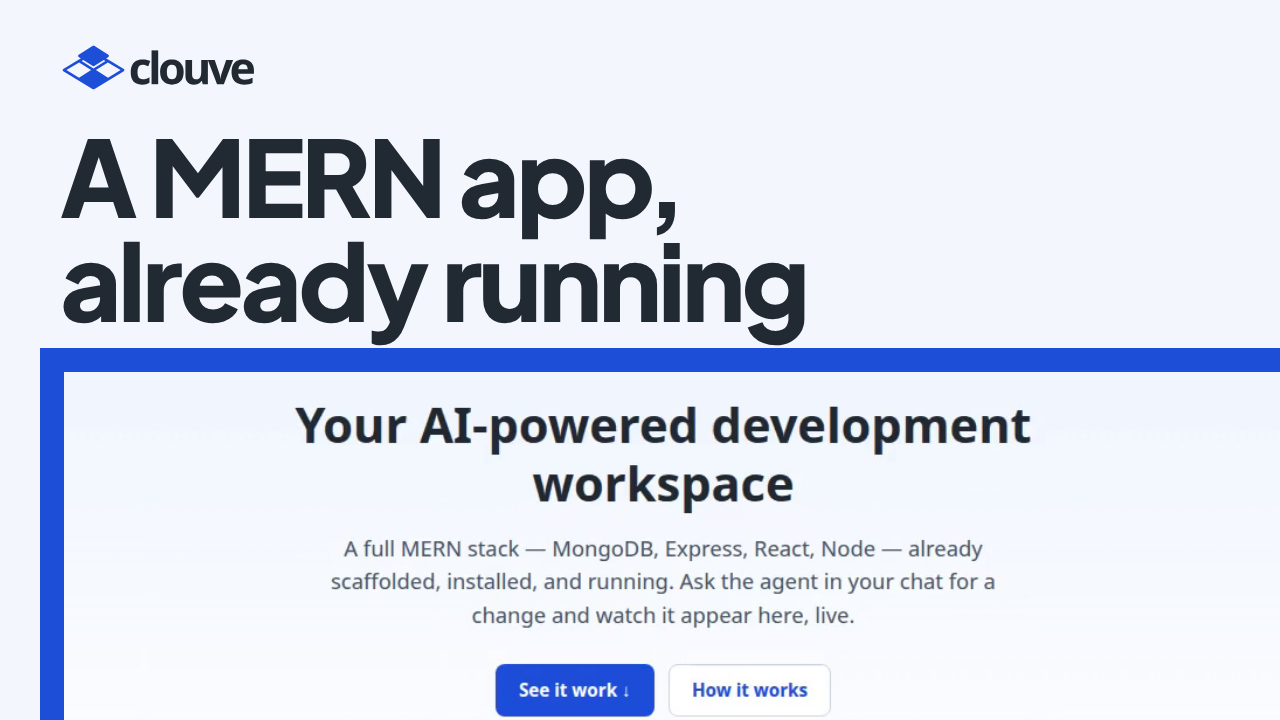
A new project usually starts with setup. Install Node.js, set up a database, wire a front end to an API, and only then start on the feature you wanted to build.
AI Studio does the setup for you. It’s an Ubuntu workspace that runs in your browser, with Node.js and MongoDB installed and a MERN starter app already running. An AI Assistant sits beside it and builds with you. Our demo takes a developer from the Clouve marketplace to a running workspace, then asks for a feature in plain English.
Key takeaways
- A few minutes after you subscribe, the workspace is running a React front end, an Express API and MongoDB.
- You describe a change in plain English. The AI Assistant reads the code on the workspace and asks before each command.
- In the demo it changed the data model, the API and the page, then tested the change with notes of its own and deleted them.
- The usage strip showed that the due-date change used almost none of the month’s AI usage.
Small features, many layers
Most of the work in a small app is plumbing. One new field has to reach the database schema, the API and the form before anyone can see it, and each layer is a chance to forget something. An assistant that can read the whole app, run it and test it can carry that kind of change from end to end.
How it works, step by step
- Find AI Studio (0:00). On the Clouve marketplace, filter for the apps with the AI Assistant and open AI Studio. The card shows the monthly price and what the AI Assistant adds on top.
- Subscribe with the AI Assistant (0:37). Keep the X-Small size to start; a web address comes included. At checkout the AI Assistant is already ticked. Keep it: there’s no direct shell on the workspace, so the assistant is how the work gets done.
- The workspace, running (1:26). Clouve builds the workspace. A few minutes later it’s running, with its address next to the AI Assistant’s.
- The starter app (1:45). Open the app: a React front end, an Express API and MongoDB. The header shows that the API and the database are live, and a note you add is saved in the database.
- Open the AI Assistant (2:11). It opens ready to work, with no key to paste and nothing to set up. A strip shows this month’s AI usage, and you can give the assistant the whole window.
- Ask for a change (2:30). In plain English: give each note a due date and sort the list by it, soonest first. The assistant reads the starter app and plans the change: a due date in the data model and the API, and a date picker on the page. It asks before each command, makes the change, tests the sort with notes of its own, cleans them up and tells you what changed.
- The change, live (3:17). Refresh the app. The form has a date picker now, and a new note with a due date lands at the top.
- This month’s AI usage (3:44). The strip shows how much of the month’s usage the change took. In the demo it was almost none.
Who benefits
Developers who want a working stack in minutes to try an idea, without setting up a machine. It also suits people who know what they want built and would rather describe it than type every line, because the assistant explains each step and waits for an OK. If you build something you’d like to sell, the developers page explains how publishing on Clouve works.
Questions people ask
Can I see my app while I build it?
Yes. Anything a dev server serves on a port gets its own HTTPS preview link, behind the same sign-in as the workspace, and live reload works through it. The server has to listen on 0.0.0.0, and the links carry web traffic only: there’s no raw TCP or SSH access from outside.
Is AI usage included?
On a paid plan the AI Assistant’s monthly price includes an allowance of AI usage, and you can buy more for the month if you run low. During the free trial it costs nothing extra but includes no AI usage, so you sign in with your own Claude subscription.
What sizes are there?
X-Small, Small, Medium and Large. The listing’s capacity and pricing show each size’s price, CPU, memory and storage, and the pricing page explains how the sizes work.
Start building
AI Studio has a 90-day free trial at X-Small, with no payment details needed.