
- Marketplace
- For Businesses
Overview Business software for small teams, schools and nonprofits. Education The Education Kit for schools and colleges. Why Clouve How Clouve compares with your other options. Case study How an education institution moved its LMS and SIS. Trust & Security Hosting, backups, recovery targets and your data. Business docs Guides for running your apps on Clouve.
- For Developers
- Partners
- Insights
- Pricing
- Log in
- Start free trial
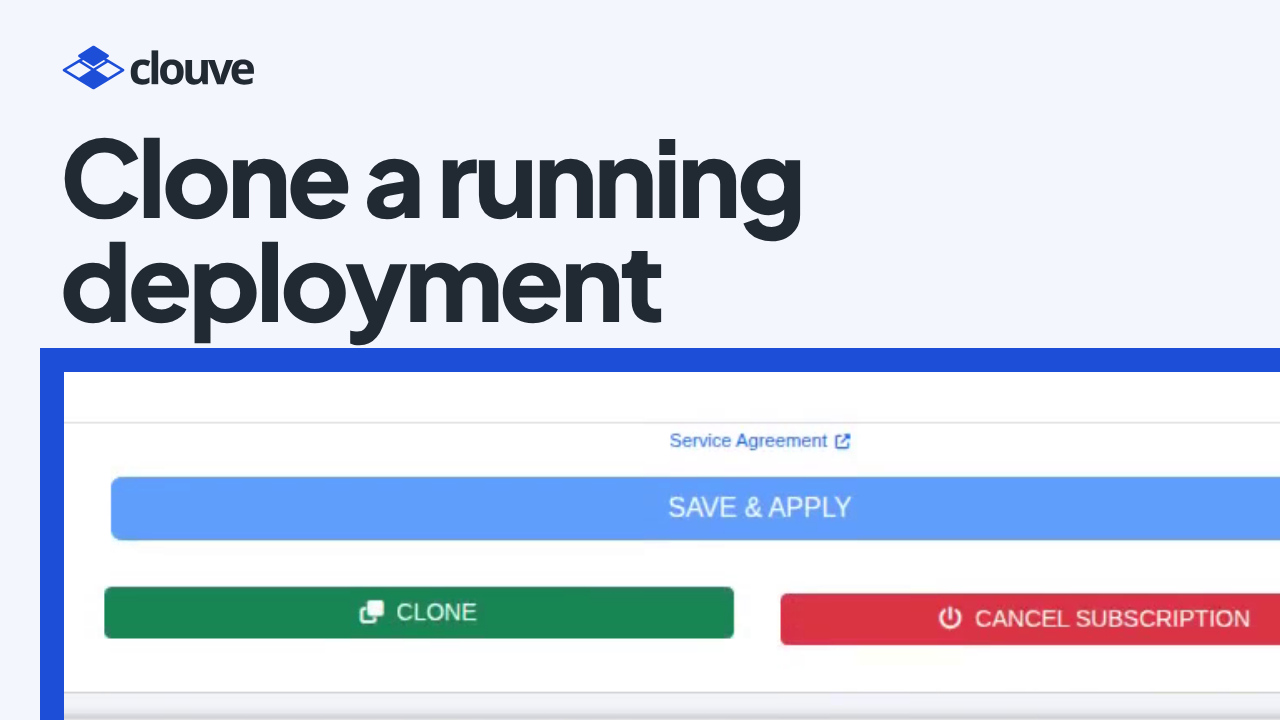
Some changes you’d rather not try on the system everyone uses, such as a new module or a settings change that touches a lot of records. The usual answer is a staging copy, and building one by hand takes time most small teams don’t have.
On Clouve, Clone makes that copy for you. It copies a running deployment, data and all, so you can try the change on the copy without touching the original. Our how-to shows it on an Odoo deployment in about a minute and a half.
Key takeaways
- Clone is on the deployment page. Confirm, and the copy opens on its own page.
- A few minutes later the copy is running as a free trial at the X-Small size, with its own web address.
- The copy has the original’s data. In the video, the CRM app and its sales pipeline came over.
- Subscribe to keep the copy, or delete it when you’re done.
Why try a change on a copy
A change that goes wrong on the live system affects everyone who uses it. On a copy you see the result with your real data, and if it goes wrong you delete the copy and start again.
The copy is exact, though, settings included. If the app sends email or runs scheduled jobs, the copy can do the same: an Odoo copy, for example, can send real emails or take real payments until its outgoing mail, scheduled actions and payment providers are switched off. Check those before you start testing.
How it works, step by step
- Find Clone (0:00). Open the deployment you want to copy. Clone is on the deployment page.
- Clone and confirm (0:15). Clone it and confirm, and the copy opens on its own page.
- The copy, a free trial (0:28). Clouve builds the copy next to the original, which it only reads. A few minutes later the copy is running as a free trial at the X-Small size.
- The copy has your data (0:47). The copy has its own address. Copy its password and sign in, and your data is there: in the video’s Odoo copy, the CRM app came over with the data, and the sales pipeline too. Subscribe to keep the copy, or delete it when you’re done.
- Find this how-to later (1:20). The video is on the Help page, next to the documentation and the support form.
What the copy includes
The copy is a separate deployment, usually in the same organization. It starts as a 90-day free trial at the X-Small size, so it runs on its own Clouve web address. A custom domain on the original isn’t copied, which keeps the copy from answering for your live site. The copy’s AI Assistant starts switched off. You can turn it on from its AI Assistant tab, free during the trial, with your own Claude subscription.
Because the copy starts as an X-Small trial, the original matters too. Clone comes with a paid plan, and a deployment on the Small, Medium or Large tier can’t be cloned today unless the organization the copy goes to has free services.
Who benefits
Teams that run a business app on a paid plan and want to try a change before their live system gets it, such as a new Odoo module or a bulk edit. The Clouve for businesses page covers the rest of what Clouve runs for you, and the pricing page shows what comes with a paid plan.
Questions people ask
Does cloning change the original?
No. Clouve only reads the original and builds the copy as a separate deployment, with its own address and its own data from that moment on.
What does the copy cost?
Nothing while it’s a free trial. If you want to keep it, subscribe, and it’s billed like any other deployment of that app. Otherwise, delete it when you’re done.
Can I clone any deployment?
You can clone a deployment on a paid plan at the X-Small size. Larger deployments can’t be cloned today, unless the organization the copy goes to has free services.
Try your next change on a copy
Clone needs a deployment on a paid plan. New to Clouve? Start with a free trial, and subscribe when you’re ready to keep your deployment and clone it.