- Marketplace
- For Businesses
Overview Business software for small teams, schools and nonprofits. Education The Education Kit for schools and colleges. Why Clouve How Clouve compares with your other options. Case study How an education institution moved its LMS and SIS. Trust & Security Hosting, backups, recovery targets and your data. Business docs Guides for running your apps on Clouve.
- For Developers
- Partners
- Insights
- Pricing
- Log in
- Start free trial
- Create a developer account
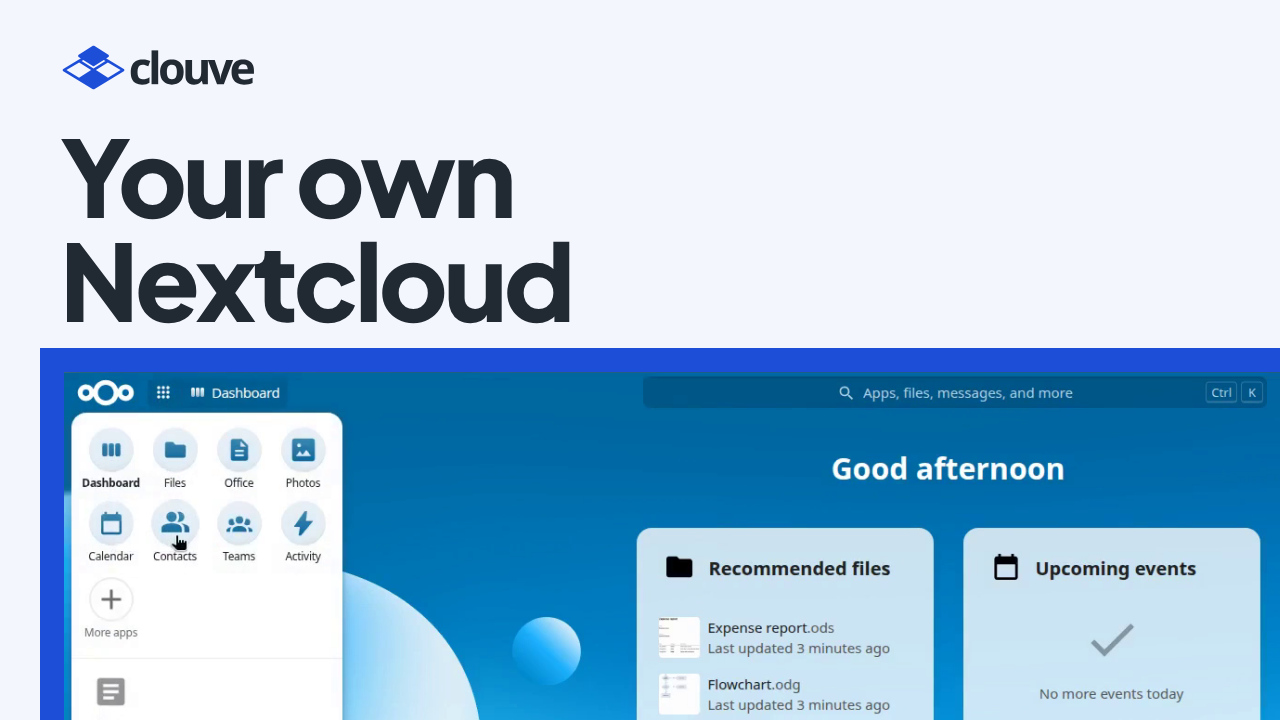
A small business needs one shared place for its files, calendars and contacts. Nextcloud is a good open-source choice, but somebody still has to run it: an account for each new hire, shared folders, who can open what. In a small company that’s usually the owner.
Our Nextcloud demo shows another way. A small business owner goes from the Clouve marketplace to a running Nextcloud in a few minutes, then asks the built-in AI Assistant to add two staff members and a Sales folder that only they can edit.
Key takeaways
- Nextcloud is running a few minutes after you subscribe, with its web address and admin login in one place.
- You ask the AI Assistant in plain English. It asks a few questions, then waits for your OK before each step.
- Temporary passwords go into a private file you hand over, so they never appear in the chat.
- On a paid plan, the AI Assistant’s price includes a monthly allowance of AI usage. You can buy more for the month or turn the assistant off.
Why setting up staff accounts gets put off
Adding people means several small jobs in the right order: a group, an account each, a first password, a shared folder and its permissions. Get one wrong and a folder is open to everyone, or a new hire can’t sign in on day one.
The AI Assistant takes that work on. It runs inside your deployment, follows Clouve’s Nextcloud playbooks and checks each change afterwards.
How it works, step by step
- Find Nextcloud on the marketplace (0:00). Filter for the apps that offer the AI Assistant and search for Nextcloud.
- Subscribe with the AI Assistant (0:41). Keep the X-Small size to start; a web address comes included. At checkout, the AI Assistant is already ticked, and the total shows the plan plus the assistant, per month.
- Clouve builds your deployment (1:30). A few minutes later Nextcloud is running, with the AI Assistant right beside it.
- Sign in to Nextcloud (1:50). Your address and admin login are in one place. Copy the password (it never shows on screen) and sign in. For now, you’re the only account.
- Open the AI Assistant (2:25). It’s ready to work, so you don’t paste a key or set anything up. A strip at the top shows this month’s AI usage.
- Ask for your staff and a folder (2:42). Type: “Add Maya Patel and Leo Chen as staff, and set up a Sales Team folder that only they can edit.” The assistant reads its playbooks, asks a few questions and checks the server. Mail isn’t set up yet, so each temporary password goes into a private file you hand over. Every step waits for your OK, and at the end it checks each change and sums up.
- See the result in Nextcloud (3:49). Refresh. Maya Patel and Leo Chen are there, in the Sales group, and under Team folders the Sales folder belongs to that group, which can change, share and delete files.
- Keep an eye on AI usage (4:19). If you run low, buy more for this month, charged to the same card. Turn the assistant off to stop paying: it stays on until the end of the month you’ve paid for, and you can keep it on at no charge if you change your mind.
Who benefits
Owners and office managers who want shared files without hiring IT staff get the most from this. The AI Assistant handles accounts, groups and Team folders, and it asks before every command, so you stay in charge. The Clouve for businesses page explains what else Clouve runs for you, such as hosting, monitoring and the help desk, and pricing lists every app by tier.
When the next person joins, or a project needs its own folder, you ask again.
Questions people ask
Does the AI Assistant see my staff’s files?
No. It works from names, counts and settings, and the users’ files stay private. Passwords never pass through the chat either: a new person gets an email invite once outgoing email works, or a private file you hand over until then.
Do I need an API key or an account with an AI company?
Not on a paid plan. The AI Assistant’s monthly price includes an allowance of AI usage, and the tab opens ready to work. On the free trial the assistant costs nothing extra, but it comes with no AI usage, so you sign in with your own Claude subscription to use it.
What else can it do in Nextcloud?
It can also share files, install Nextcloud apps, set storage quotas, help set up outgoing email, and take and restore backups. Our Odoo demo shows the same assistant adding an app to Odoo.
Try it on your own files
Nextcloud with the AI Assistant is on the Clouve marketplace from $99 a month at X-Small, with a 90-day free trial and no payment details needed. Install it and ask the assistant to set up your own team; during the trial it runs on your own Claude subscription.